
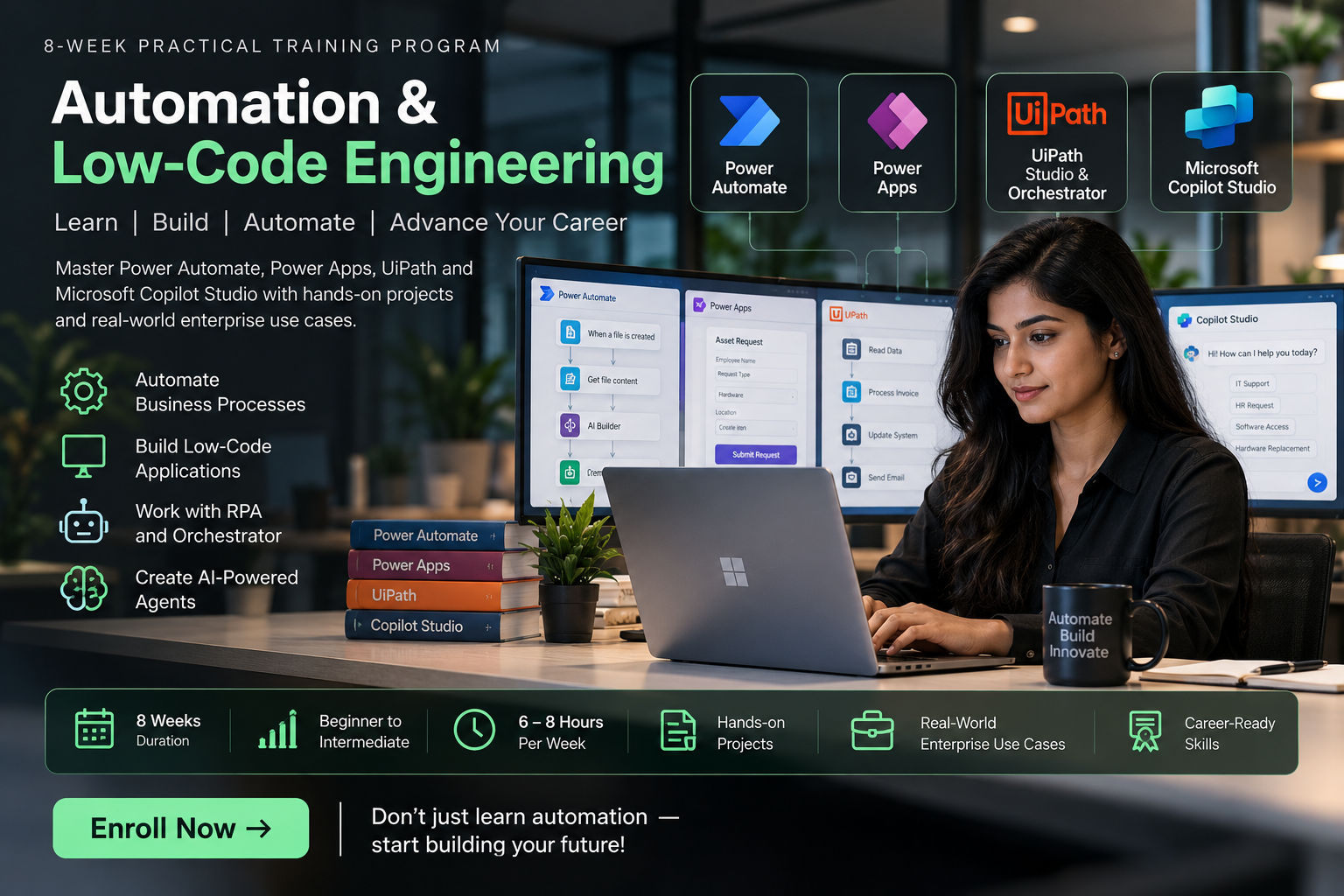
About Course
Master the fundamentals of business automation, Robotic Process Automation (RPA), low-code development, and AI-powered agents with our comprehensive 8-week Automation & Low-Code Engineering Course.
Designed for beginners and aspiring IT professionals, this hands-on training programme covers Microsoft Power Automate, Power Apps, UiPath Studio & Orchestrator, and Microsoft Copilot Studio. Learn to automate repetitive tasks, build business applications, develop intelligent workflows, and integrate AI agents with enterprise systems.
What You Will Learn
- Microsoft Power Automate: Build automated cloud and desktop workflows, manage triggers, connectors, and business processes.
- Microsoft Power Apps: Create interactive low-code applications using Canvas Apps, Power Fx, and Dataverse.
- UiPath Studio & Orchestrator: Develop, deploy, schedule, and monitor robotic automation processes.
- Microsoft Copilot Studio: Build AI-powered conversational agents and integrate them with business applications.
- Enterprise Automation: Connect SharePoint, Excel, Microsoft Teams, and other business tools to automate workflows.
- Practical Projects: Apply your knowledge through real-world automation exercises and integrated solutions.
Course Highlights
- Duration: 8 Weeks
- Level: Beginner to Intermediate
- Learning Effort: 6–8 Hours per Week
- 4 Comprehensive Learning Modules
- Hands-On Industry-Relevant Projects
- Practical RPA, AI Agents & Low-Code Development
- Final Capstone: Autonomous Enterprise IT & HR Helpdesk
Who Can Enroll?
This course is ideal for students, fresh graduates, IT professionals, business analysts, aspiring RPA developers, and anyone interested in learning automation and AI technologies.
No advanced programming experience is required to begin learning the foundational concepts.
Final Capstone Project
Build an Autonomous Enterprise IT & HR Helpdesk by integrating Microsoft Copilot Studio, Power Apps, Power Automate, and UiPath Orchestrator to automate employee requests, approvals, and back-office processes.
Develop practical automation skills, work on real-world projects, and take the next step toward opportunities in RPA, AI agents, and low-code development.
Enroll Today and Begin Your Journey in Automation & AI!
Course Content
Module 1: Power Automate – Cloud & Desktop Automation
-
Introduction to Microsoft Power Automate
-
Cloud Flows: Automated, Instant & Scheduled Triggers
-
Actions, Dynamic Content & Enterprise Connectors
-
Data Logic, Expressions & Conditional Branching
-
Loops & Error Handling (Try/Catch/Finally)
-
Power Automate Desktop & UI Automation
-
Web Scraping, Window Handling & Selectors
-
Practical Project: Automated Email & Data Extraction Pipeline
Module 2: Power Apps – Canvas Apps & Data Architecture
Module 3: UiPath Studio & Orchestrator Fundamentals
Module 4: Microsoft Copilot Studio – AI Agents & Integration
Student Ratings & Reviews
