
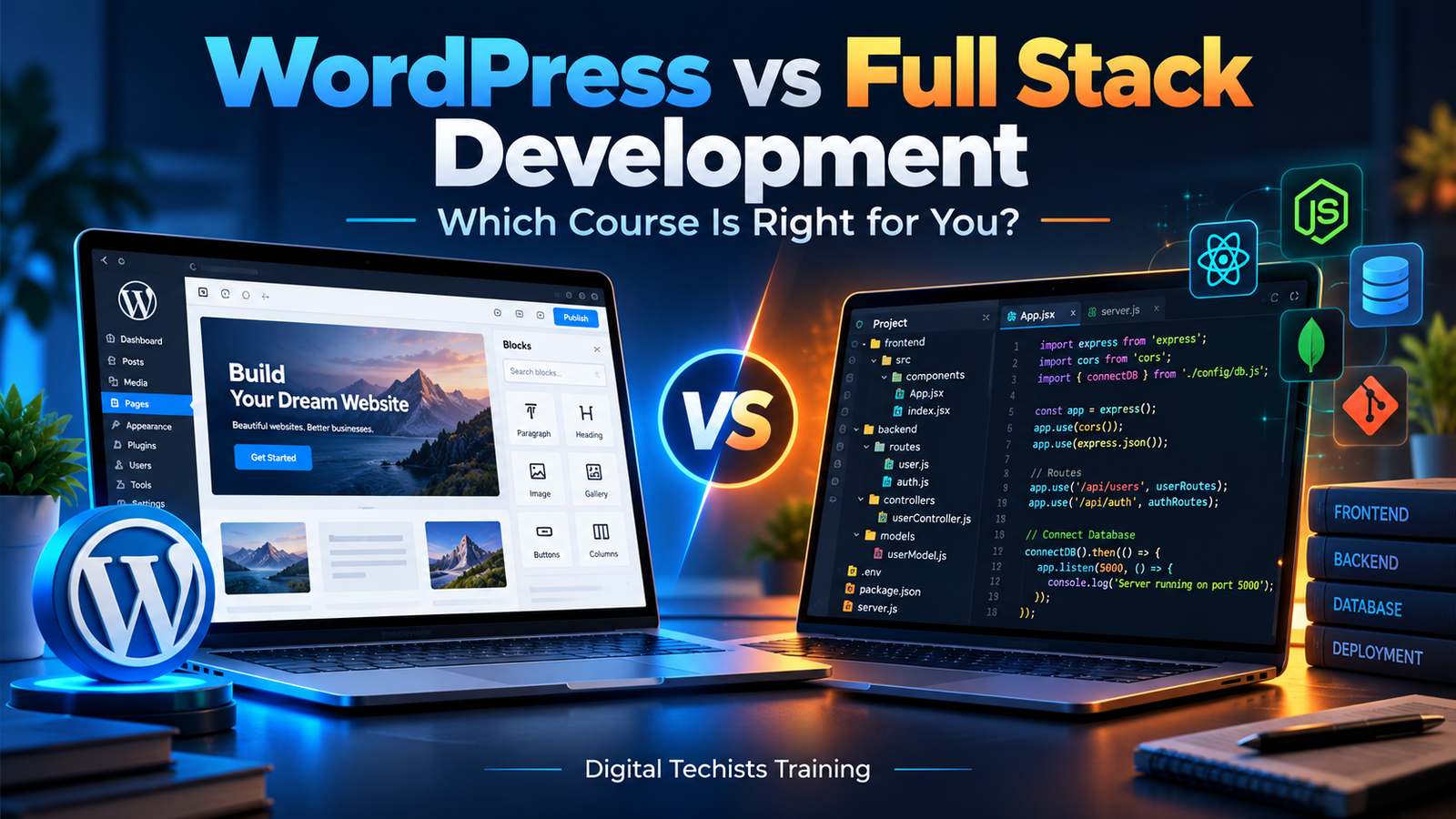
Choosing a web development course can feel confusing when every option promises an exciting career. You might enjoy designing websites, want to start freelancing, or hope to become a software developer. But before enrolling, one question deserves a clear answer: should you learn WordPress or full stack development?
Both paths can help you build useful digital experiences. However, they differ in what you study, how you build projects, and the responsibilities you take on.
Table of Contents
A WordPress development course focuses on creating and managing websites using an established content management system. A full stack development course teaches you to work across the frontend, backend and database of a web application.
The right choice depends on your interests, available practice time and career goals. This guide explains the differences in practical terms so you can choose a learning path with confidence.
What Is WordPress Development?
WordPress is a content management system, commonly called a CMS. It provides a foundation for publishing content and managing a website through an administration dashboard.
WordPress development involves building, customising and maintaining websites on this platform. Projects might include business websites, blogs, portfolios, online stores or membership websites.
Beginners often start by learning the dashboard, themes, plugins and page layouts. As their skills improve, they can move into custom styling, theme development, plugin development and integrations.
Imagine a local interior designer needs a website with service pages, a project gallery and an enquiry form. WordPress can provide the content management foundation while the developer creates a suitable design and functionality.
Professional WordPress work also involves checking mobile layouts, improving performance, managing updates and helping clients maintain their content.
What Is Full Stack Development?
Full stack development covers the different layers involved in building a web application.
The frontend is the part people interact with in their browser. The backend handles server-side processes, while the database stores and organises information.
Consider an appointment booking application. Its frontend displays available appointments and booking forms. Its backend checks availability and processes requests. Its database stores customers, services and reservations.
A full stack developer learns how these parts communicate and how to build features across them.
A course may cover HTML, CSS, JavaScript, a frontend framework, backend programming, databases, APIs and deployment. The exact combination varies between programmes.
This path suits learners who want to understand application behaviour and build systems with requirements that extend beyond standard website pages.
WordPress vs Full Stack Development: A Quick Comparison
| Area | WordPress development course | Full stack development course |
|---|---|---|
| Main focus | Websites built on WordPress | Frontend, backend and database development |
| Starting point | Dashboard, content, themes and plugins | Web fundamentals and programming |
| Coding depth | Varies from visual building to advanced custom development | Coding is central throughout |
| Typical projects | Business sites, blogs, portfolios and online stores | Dashboards, portals and custom applications |
| Content management | Established administration system | May use an existing CMS or require a custom interface |
| Main challenge | Choosing, customising and maintaining suitable solutions | Designing and connecting application components |
| Suitable interest | Website delivery, design and content workflows | Programming, application logic and data handling |
These paths overlap. WordPress itself has a frontend, backend and database, and advanced WordPress developers may work across all three. The comparison is between a platform-focused learning route and a broader application development route.
What Will You Learn in a WordPress Development Course?
A useful WordPress course should teach more than installing a theme and replacing sample text. You should understand how to turn a business requirement into a functional website.
Website Setup and Administration
You may begin with domains, hosting, WordPress installation and dashboard settings. Understanding pages, posts, menus, users and media helps you manage a website confidently.
You should also learn how to work in a development environment before changing a live website.
Design and Responsive Layouts
Website design involves typography, spacing, navigation and content hierarchy. A page should help visitors find information and take the next step.
Responsive design practice teaches you to adapt layouts for mobile phones, tablets and desktop screens.
Themes, Plugins and Customisation
Themes control much of a website’s presentation, while plugins add functionality. A practical course should explain how to evaluate them, configure settings and avoid unnecessary overlap.
You should understand the implications of adding another plugin rather than treating installation as the solution to every problem.
HTML, CSS and Development Foundations
Visual tools can help you build layouts, but coding knowledge gives you more control. HTML structures content, CSS controls presentation, and JavaScript supports interactive behaviour.
Learners aiming for custom WordPress development should also look for PHP, WordPress hooks, templates and safe customisation practices.
Maintenance and Website Handover
Backups, updates, security practices and troubleshooting belong in professional training. You should also learn how to document a project and explain routine website management to a client.
What Will You Learn in a Full Stack Development Course?
A full stack development course usually introduces a broader set of technical concepts. The goal is to understand how a complete application works, rather than only how its pages look.
Frontend Fundamentals
HTML, CSS and JavaScript form a practical starting point. Learn to structure content, create responsive layouts, handle events and work with user input before depending heavily on frameworks.
A strong foundation makes unfamiliar tools easier to understand later.
Frontend Frameworks
Some courses introduce React or another framework for building interfaces from reusable components. Topics may include routing, state management, forms and loading data.
Framework learning should build on JavaScript knowledge rather than replace it.
Backend Programming and APIs
Backend lessons may use Node.js, PHP, Python or another technology. You learn to receive requests, validate information, apply application rules and return responses.
APIs allow different parts of a system to exchange information. Building and consuming them is an important practical skill.
Databases and Authentication
Database training explains how to organise, retrieve and update data. Authentication introduces identity and sign-in processes, while authorisation determines which actions each user may perform.
These subjects require careful practice because working functionality alone does not establish secure behaviour.
Testing, Git and Deployment
A complete course should include debugging, meaningful testing, version control and deployment. You should finish with experience putting an application online and investigating problems after release.
Which Course Is Easier for Beginners?
For many beginners, WordPress provides a more approachable introduction because you can create useful pages without first building every underlying system.
Seeing a working website early can increase confidence. It also creates opportunities to practise design, content organisation and client communication.
However, beginner-friendly does not mean every WordPress project is simple. Custom plugins, complex integrations and difficult performance issues require substantial technical understanding.
Full stack development usually presents more concepts at the beginning. You may spend considerable time learning programming fundamentals before completing a polished application.
That does not make it unsuitable for beginners. It means you need patience with exercises, errors and repeated practice.
If visible design progress motivates you, WordPress may feel more comfortable initially. If you enjoy understanding why a feature behaves a certain way, full stack learning may hold your interest.
How Much Coding Is Required?
This is one of the most useful questions to ask before choosing a web development course.
In WordPress, coding requirements depend on the work you want to do. Building standard pages with established tools can involve limited coding. Developing custom functionality requires much more.
Someone who wants to become a WordPress developer should gradually learn the code behind the interface. This helps with troubleshooting, accessibility, maintainability and precise customisation.
In full stack development, writing and reading code is part of everyday learning. You will work with variables, functions, data structures, requests, database queries and application logic.
You do not need to know everything before joining a beginner course. You do need a willingness to practise consistently and investigate problems.
Choose based on whether you want coding to become a central part of your work.
Which Learning Path Takes More Time?
There is no universal timeline for becoming a capable developer. Course duration, teaching quality, previous experience and independent practice all influence progress.
A WordPress learner may complete a basic website earlier because the platform already provides many essential features.
Professional readiness takes longer. You still need experience with responsive layouts, client revisions, plugin conflicts, content migration and safe maintenance.
Full stack development generally requires a broader learning commitment because you are studying several connected layers. Understanding JavaScript does not automatically mean you can design a database or deploy a backend.
When comparing courses, ask how much time is available for exercises, feedback and independent projects.
A shorter course can introduce a subject effectively. A longer course can still leave gaps if most sessions involve watching someone else work.
Career Options After Learning WordPress
WordPress skills can support different types of website work, depending on your technical depth and portfolio.
Possible directions include:
- WordPress website developer.
- Website designer with development skills.
- WooCommerce website developer.
- Website maintenance specialist.
- Freelance website professional.
- Custom theme or plugin developer.
A learner might begin with portfolio websites and small business projects, then develop a specialisation.
For example, you could focus on online stores, publishing websites or ongoing maintenance. Each direction involves different responsibilities and requires additional learning.
Employers and clients may also assess your communication, reliability and ability to solve problems independently.
A certificate can demonstrate course completion, but your projects provide clearer evidence of what you can deliver.
Career Options After Learning Full Stack Development
Full stack training can provide a foundation for several development roles. The suitable entry point depends on your strongest skills and the positions available.
Possible directions include frontend development, backend development, junior full stack development and web application development.
You might work on customer portals, internal tools, reporting dashboards or application features.
Although a course covers multiple layers, your first role may concentrate on one part of a system. Developing depth in that area while understanding the wider application can be valuable.
For your portfolio, show more than a finished interface. Explain how information moves through the application, how you handle invalid input and what decisions you made.
Being able to discuss your own implementation clearly is an important part of demonstrating competence.
Which Course Is Better for Freelancing?
Both paths can support freelance work, but the projects and delivery responsibilities may differ.
WordPress can be a practical starting point for services such as business website development, landing pages, redesigns and maintenance.
These projects often have familiar deliverables: a defined set of pages, enquiry forms, content management and mobile layouts.
Full stack freelancing may involve custom workflows, user accounts, dashboards and integrations. Such work can require more detailed planning, testing and ongoing support.
For example, a brochure website and an inventory management application have very different requirements, even if both appear in a browser.
Whichever path you choose, learn to write a clear scope, estimate work and explain support arrangements.
Freelancing also requires handling feedback, managing access securely and communicating when a requested change affects the agreed timeline.
WordPress or Full Stack: Which Should a Business Owner Learn?
Think about what you want to manage yourself.
If your goal is to update service pages, publish articles, improve a company website or manage a straightforward online store, WordPress training may be more directly useful.
It can help you understand everyday website operations and communicate more effectively with developers.
If you want to build a custom digital product with unusual workflows, full stack knowledge may help you understand the technical components involved.
However, taking a course does not automatically make a complex commercial application a suitable solo project.
List the actual tasks you want to perform. This makes the choice more useful than selecting whichever course has the longest technology list.
Can You Learn WordPress and Full Stack Development Together?
Yes, but learning everything at once can make progress harder to judge.
A more manageable approach is to choose one primary direction and build shared fundamentals alongside it.
If you start with WordPress, learn HTML and CSS, then add JavaScript and PHP as your projects require deeper customisation.
If you start with full stack development, learn how content management systems work. You may later encounter projects where WordPress provides the editorial interface while a separate application handles other requirements.
There is no rule that your first course must define your entire career.
Your immediate goal should be to complete projects confidently. Broader knowledge becomes more useful when you have a practical foundation to connect it to.
How to Choose a Web Development Course
Before enrolling, look beyond promotional claims and compare the learning experience.
Check the Syllabus
Confirm what each topic actually includes. “WordPress development” might describe visual website building or custom coding. “Full stack” might cover very different technology combinations.
Ask which projects you will complete and what you should be able to build independently.
Look for Feedback
Following a demonstration is different from solving a problem yourself. Useful training gives you opportunities to submit work, receive corrections and explain your decisions.
Ask how doubts and unfinished assignments are handled.
Review the Practical Work
A strong course should include projects with realistic requirements, revisions and troubleshooting.
Look for deployment, responsive testing and documentation rather than only screenshots of finished pages.
Understand the Commitment
Compare class schedules with your available practice time. Also check whether hosting, premium software or other project expenses are separate.
Choose a programme you can participate in consistently.
Portfolio Projects That Build Confidence
Your portfolio should demonstrate practical judgement as well as technical execution.
For WordPress, consider building a service business website with clear navigation, accessible forms and an organised mobile layout. Add a content website to practise categories, article templates and publishing workflows.
An online store project can introduce product organisation and purchasing journeys, using an appropriate test setup.
For full stack development, consider a task manager with user accounts, an appointment system or an inventory application.
Include input validation, useful error messages and permission checks where relevant.
For every project, describe the requirement, your approach and the limitations. Honest explanations show stronger understanding than presenting a tutorial copy as an original production system.
Common Mistakes to Avoid
One mistake is choosing a course only because someone claims it guarantees a high salary. Career outcomes depend on many factors, including your skills, portfolio and the roles you pursue.
Another is collecting tutorials without building independently. Try completing a small feature after closing the lesson.
Beginners also sometimes move between tools whenever learning becomes difficult. Some experimentation helps, but constant switching can prevent solid fundamentals.
Avoid ignoring mobile usability, accessibility and maintenance. A website that looks attractive on your laptop may still be difficult for visitors to use.
Finally, do not measure progress only by certificates. Measure it by the tasks you can complete, explain and troubleshoot with increasing independence.
Conclusion: Which Course Is Right for You?
Choose a WordPress development course if you want to focus on business websites, content management, design implementation and practical website services.
Choose a full stack development course if you enjoy programming and want to build custom applications across the frontend, backend and database.
Both paths require practice, problem-solving and continued learning. The better starting point is the one that matches the work you want to do and the effort you can sustain.
To explore web development learning options and take your next step, visit Digital Techists Training and enquire about a course that matches your interests, experience and career goals.
Frequently Asked Questions
Is WordPress development suitable for beginners?
Yes. Beginners can start with website administration and page building, then progress into coding and customisation. Choose a course that explains fundamentals and includes independent practice.
Can I learn full stack development without coding experience?
Yes, provided the course begins with programming and web fundamentals. Expect to spend time practising outside class and working through errors independently.
Is WordPress development only about page builders?
No. WordPress development can include custom themes, plugins, integrations and backend functionality. Page builders are one set of tools within a much wider platform.
Which course is better for getting a job?
The better choice depends on the roles you want. Compare job requirements with course content, then build projects that demonstrate the relevant skills. Neither route guarantees employment.
Can I move from WordPress to full stack development later?
Yes. HTML, CSS, JavaScript and troubleshooting experience can provide a useful foundation. You will need additional practice with backend architecture, databases and application development.
Do I need both courses before starting projects?
No. Start building small projects while learning your chosen path. Add further training when it supports a clear next goal rather than delaying practical work.